Press Kit
Official media resources for Mood Dial. Download logos, screenshots, and brand assets for editorial use.
Download Complete Press Kit
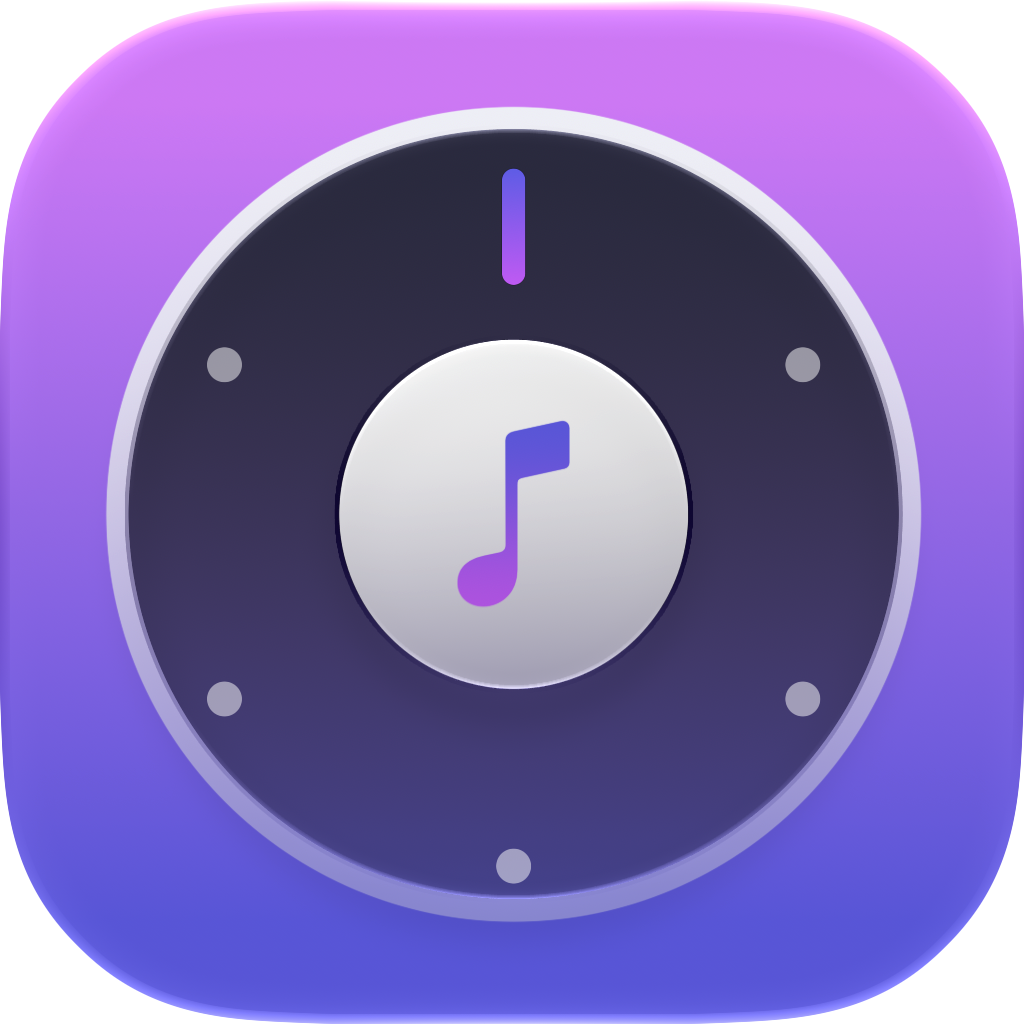
App Icon
Official Mood Dial app icon in multiple formats


iPhone Duo
Mood Dial on iPhone Duo, in Apple's own device frames. Radio Mode when half-folded, two pages when open sideways, the full app on the closed display. More on the iPhone Duo page; the full nine-slide set in seven languages is in the press kit.


About Mood Dial
Description
Every music app asks the same question: what do you want to listen to? Mood Dial thinks that is the wrong question. You rarely know what you want to hear, but you always know how you feel. So the whole app is a dial. Turn it to your mood, press play, and Apple Music does the rest. No playlists to browse, no algorithm to argue with. The interface itself changes colour and energy with the mood you pick, before a single note plays.
One dial holds your stations, chosen from 22 presets or built from your own words. The app reads time of day, Apple Health data and on-device intelligence to suggest the right one. It works on iPhone, iPhone Duo, iPad, CarPlay, Siri, widgets and Control Centre.
Key Features
- 22 built-in stations + unlimited custom station creation (membership)
- App icon featured in Apple’s September 2026 event keynote
- One customizable dial
- Apple Health integration for contextual suggestions
- Works with Apple Music via MusicKit
- Widgets, Siri, Shortcuts, CarPlay, Control Center
- Built for iPhone Duo: Radio Mode when half-folded, two pages when open sideways, the full app on the closed display
- Built with SwiftUI for iPhone, iPhone Duo & iPad
Fact sheet
- Name
- Mood Dial for Apple Music
- Version
- 2026.10.2
- Category
- Music
- Platforms
- iPhone, iPhone Duo, iPad, CarPlay
- Requires
- iOS 18 or later, and an Apple Music subscription for full playback
- Languages
- English, Spanish, German, French, Italian, Japanese, Hindi, Portuguese (Brazil)
- Bundle ID
- com.mohitnandwani.mooddial
- App Store ID
- 6751459097
- Website
- mooddial.app
- Press & support
- hello@mooddial.app
Behind Mood Dial
Built by Mohit Nandwani, independently. Mood Dial is a solo project: the design, the app, the backend and the music-matching engine behind it. The engine is the app's own rather than a licensed recommender. It maps how music actually feels across genres, languages and cultures, which is why a station returns the right song in Hindi or Japanese instead of the obvious English-language answer.
Mood Dial's app icon appeared on the wall of Apple's September 2026 event keynote.
Developer
Mohit Nandwani
@iMohitNandwani
Press Contact
Availability
iOS 18.0 or later
Free, with an optional membership
Released September 2026
Usage
Editorial use only. Maintain aspect ratios. Do not modify the app icon.